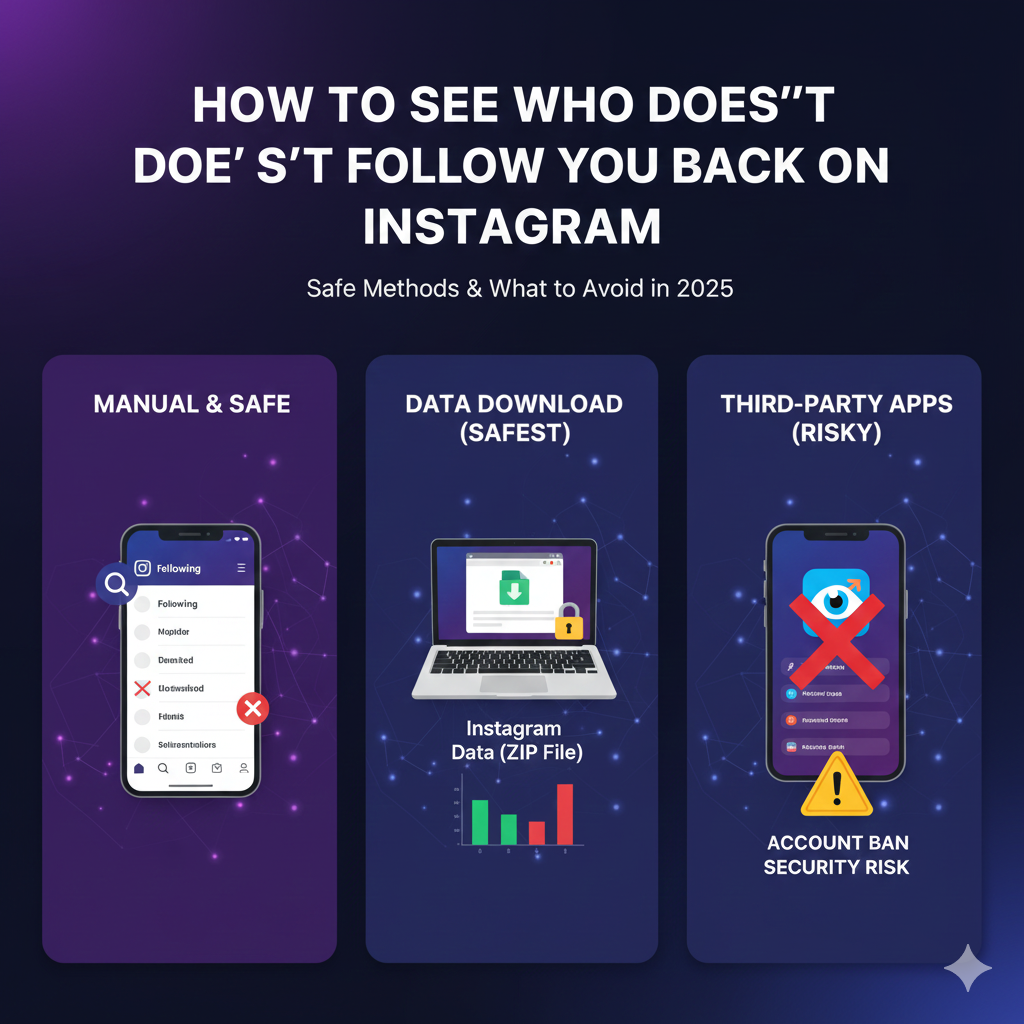



How to See Who Doesn’t Follow You Back on Instagram
Introduction
The “Follower Gap” Problem
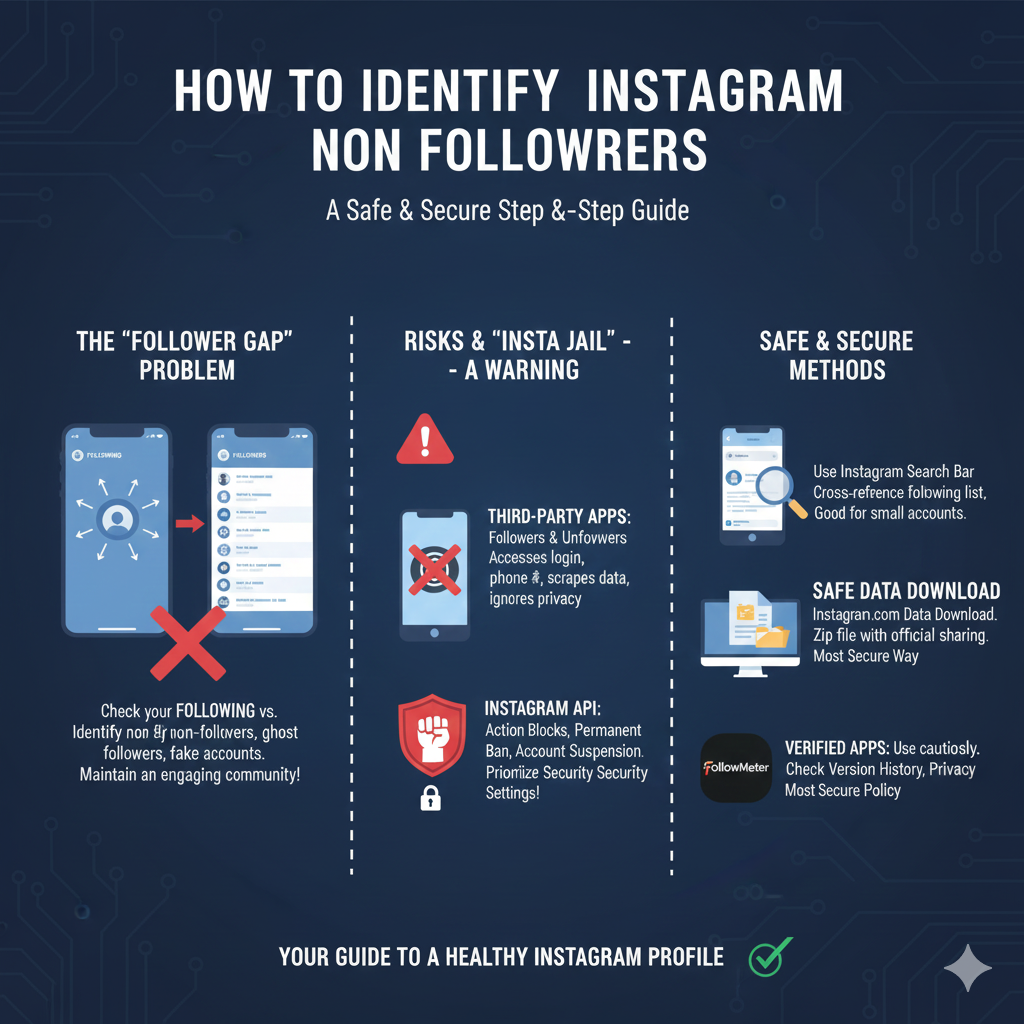
In the dynamic world of content creation, managing your Instagram account effectively is about more than just numbers—it’s about community and reciprocity. Whether you are a Marketing Consultant or an everyday Instagram user, you likely understand the importance of the “follow-for-follow” culture. It can be a little bit discouraging when you check your list of followers and compare it to your following list, only to find a significant “Follower Gap.” You might diligently hit the follow back button for new followers to maintain a healthy Instagram profile, but not everyone returns the favor. This imbalance often includes non-followers, ghost followers, or even a fake account that doesn’t add value to your profile activity. Knowing how to see who doesn’t follow you back on instagram is the best way to ensure your Instagram Following consists of active participants who engage with your quality content.
Table Of Content
- The “Follower Gap” Problem
- The Risks: A Warning on “Insta Jail”
- What This Guide Covers
- Method 1: The Manual Check (Best for Small Accounts)
- Searching via Profile
- Cross-Referencing Lists
- Pros & Cons: Free and Safe
- Method 2: The “Data Download” Method (Safest for Large Accounts)
- Why This Works
- Step-by-Step Guide
- Pro Tip: Using ChatGPT for Comparison
- Method 3: Using Third-Party Apps (The Fast Way)
- Top App Recommendations
- How to Use Them Safely
- Warning Signs
- Managing Your List: To Unfollow or Not?
- Evaluating “Non-Followers”
- Instagram’s Action Limits
- Engagement Strategies
- Tips for Maintaining a Healthy Follower Ratio
- Quality over Quantity
- Consistent Content
- Using Analytics
- Frequently Asked Questions (FAQ)
- Does Instagram notify people when I unfollow them?
- Why can’t I see who unfollowed me directly in the app?
- Are there any free websites to check this without downloading an app?
- How do private vs public accounts differ in this process?
- Conclusion
The Risks: A Warning on “Insta Jail”
Before you head to the app store or Google Play to perform an App Download of an Unfollower Tracker, it’s crucial to understand the potential risks. Many third-party apps and tools like Followers & Unfollowers promise real-timeActivity Tracking of your Instagram Unfollowers, but using them can lead to “Insta Jail” or permanent account suspension. If an Android App or iOS tool requires your Instagram login and Phone Number to scrape the Instagram API, you are potentially compromising your account information.
Instagram is very protective of user-generated content and personal account security. Unauthorized apps often ignore the developer’s privacy policy, leading to action blocks or worse. Whether you have public accounts or private accounts, you must be wary of how tools handle Identifiers Usage Data, Purchase History, and Product InteractionAdvertising. It is always better to prioritize Security settings over a quick mass unfollow.
What This Guide Covers
In this Step-by-Step Guide, we will explore easy steps to identify who is not following you. We will start with a manual method where you can use the search bar within the Instagram app to cross-reference a specific username or check your follower list. For those with a Private Instagram or a large following, we will explain the “Safe Data” method. This involves a data download from instagram.com to receive a zip file containing your official Instagram data. This method is the most secure way to see current followers and follow requests without risking a ban.
We will also review the best apps like FollowMeter (available for iOS 13.0, iPadOS 13.0, macOS 11.0, and even visionOS 1.0) for users who prefer a mobile app experience. These apps often provide a free version or a free trial, along with a Version History showing regular bug fixes and Crash DataPerformance improvements. Whether you want to unfollow users, unfollow people, or manage your Follower requests, we’ve got you covered. Thank you for reading, and we hope you find this helpful. If you have questions, please feel free to leave a reply! Thank you again! Reply if you need more help. Reply below! Thank you.
Method 1: The Manual Check (Best for Small Accounts)
Searching via Profile
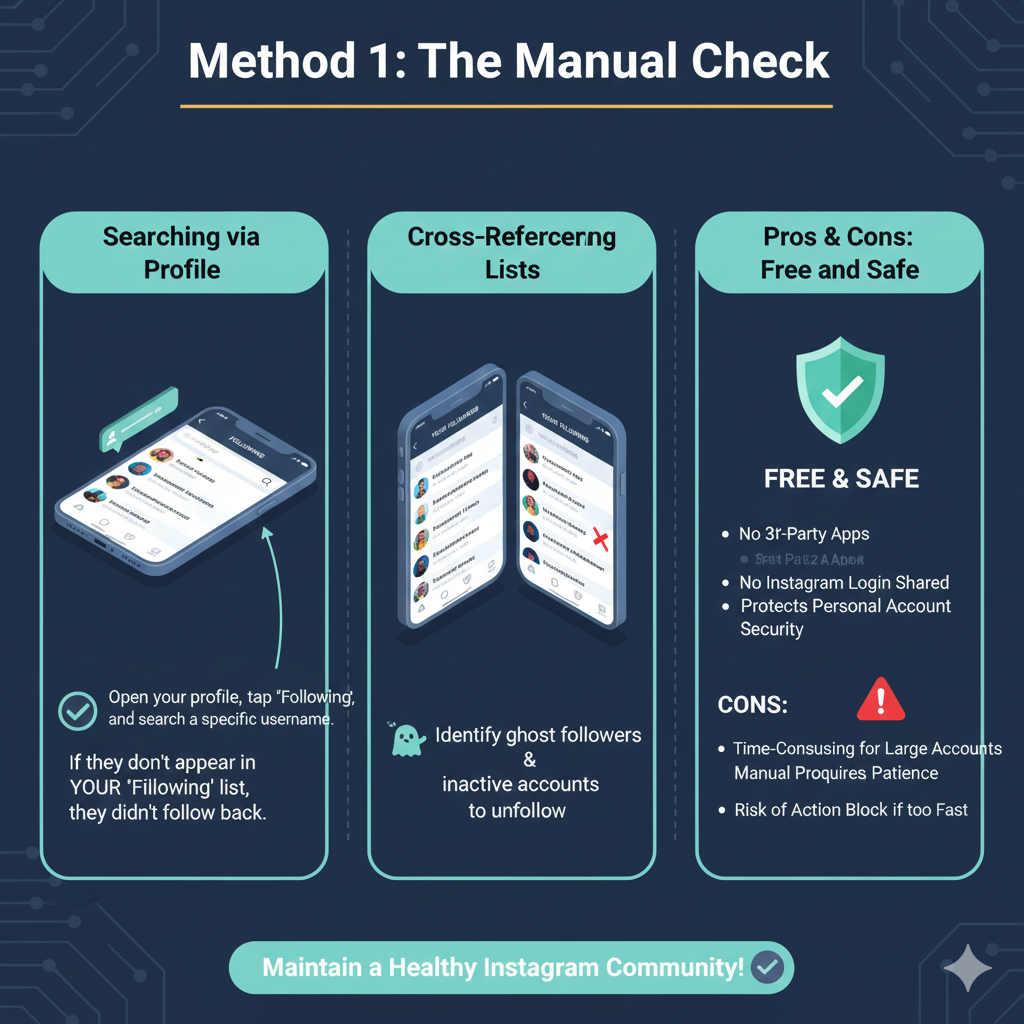
If you have a smaller list of followers, the most direct approach is a manual search. To begin, open the Instagram app and navigate to your Instagram profile. Tap on your following list to see every username you currently follow. In the search bar at the top of this screen, you can type the name of a specific Android user or friend to see if they appear. If you follow accounts that do not show up when you search for your own name in their “Following” tab, it’s a clear sign they didn’t follow back. While this is an easy steps process for checking a few people, it requires a little bit of patience.
Cross-Referencing Lists
A more thorough manual strategy involves comparing your followers list against your Instagram Following list. You can scroll through your IG followers to see if specific Instagram users are present. If you notice recent unfollowers or inactive accounts, you can choose to unfollow people right then and there. This method ensures you aren’t accidentally keeping ghost followers who hurt your engagement metrics. For those who use other platforms like TikTok, you might already be familiar with this tedious cross-referencing, but on Instagram, it remains the only way to be 100% sure without sharing your Instagram login.
Pros & Cons: Free and Safe
The biggest advantage of the manual check is that it is a free app experience—or rather, a built-in feature that requires no extra App Purchases. You don’t have to worry about accessibility features being exploited by malicious software or violating the Instagram API. It is completely safe for your personal account. However, for influencers with thousands of current followers, this is not the best way to manage Instagram activity. It becomes incredibly time-consuming, and doing it too fast can still trigger action blocks. Thank you for your patience as you go through these lists manually. If you find this too slow, reply to let me know, and we can move to the automated methods! Thank you for staying focused on your quality content. Reply if you need help with follow requests! Thank you.
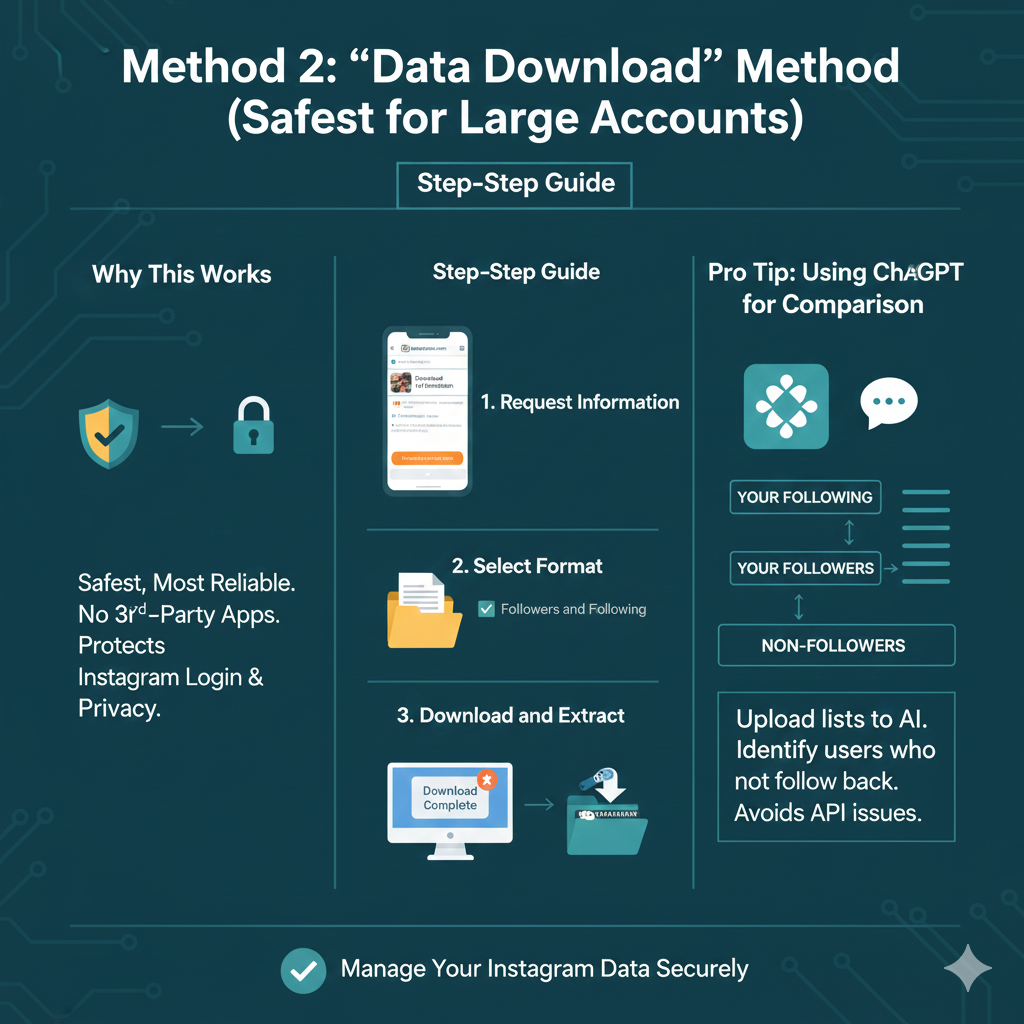
Method 2: The “Data Download” Method (Safest for Large Accounts)
Why This Works
If you have a massive audience and are looking for how to see who doesn’t follow you back on instagram, the manual method is nearly impossible. However, the safest and most reliable alternative is utilizing your official Instagram data. By using this built-in feature, you can access your account information without the need for risky third-party apps. This ensures that your Instagram login credentials remain private and you don’t violate the developer’s privacy policy or trigger action blocks. It’s the ultimate way to maintain your Instagram activity records while protecting your personal account.
Step-by-Step Guide
Request Information: Go to the Meta Accounts Center via your Instagram app or instagram.com. Look for the data download option to start the process.
Select Format: Choose the JSON or HTML format. For this specific task, you only need to focus on the “Followers and Following” section. This will generate a comprehensive list of followers and your Instagram Following list.
Download and Extract: Once Instagram prepares your file, you will receive a notification. Download the zip file and extract it to your device. You now have a real-time snapshot of your current followers and non-followers.
Pro Tip: Using ChatGPT for Comparison
Once you have extracted your Instagram data, you can use an AI tool like ChatGPT to act as your personal Instagram Followers Tracker. Simply upload the lists of your IG followers and the people you follow. Ask the AI to identify the list of people who do not follow back. This automated comparison is an easy steps solution that avoids the technical hurdles of the Instagram API. It helps you quickly spot recent unfollowers, inactive accounts, and ghost followers. This method is the best way to manage a large Instagram account while keeping your quality content and engagement metrics as your top priority.
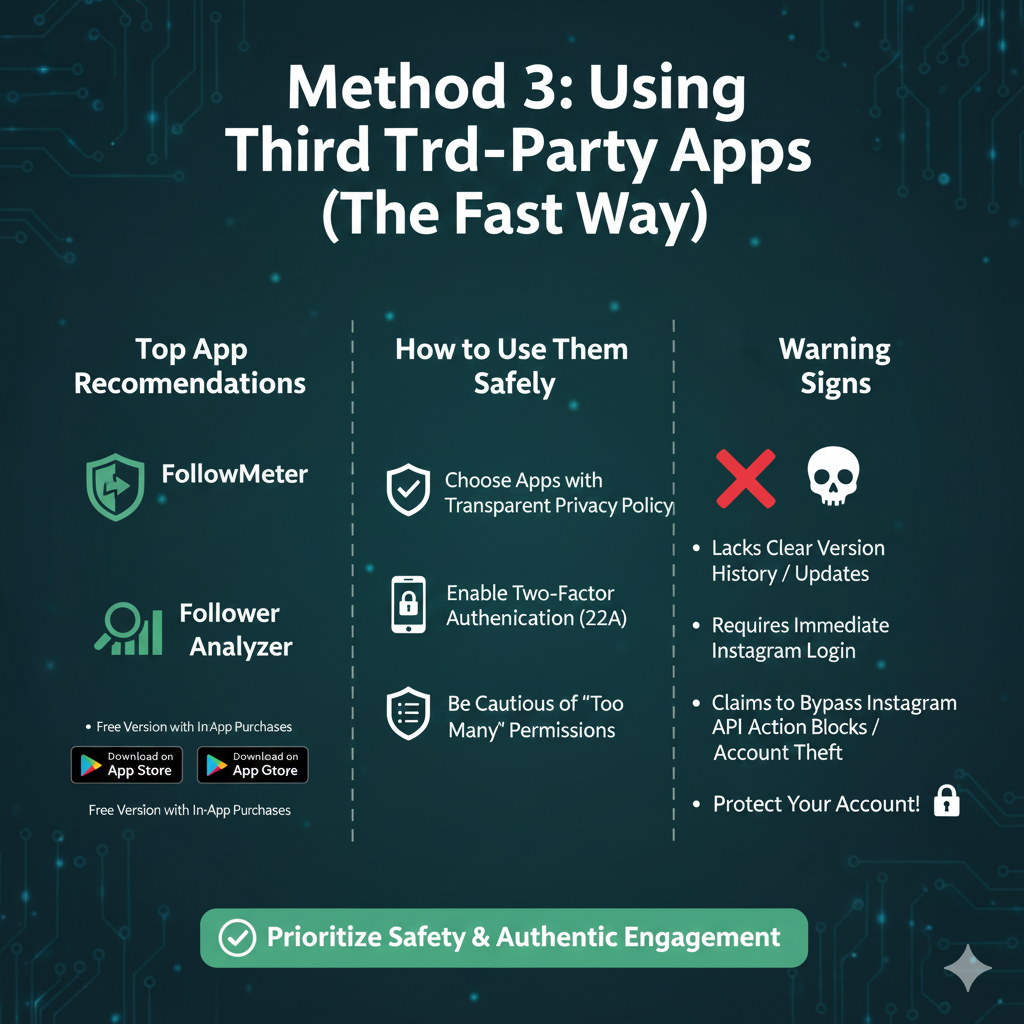
Method 3: Using Third-Party Apps (The Fast Way)
Top App Recommendations
If you want the fastest results for how to see who doesn’t follow you back on instagram, certain best apps are designed specifically for this purpose. One of the most popular options is FollowMeter, which is highly rated on both the app store and Google Play. It provides a clear dashboard showing your Instagram Unfollowers, new followers, and even ghost followers. Another reliable mobile app is Follower Analyzer, which helps you track your followers list and see who hasn’t decided to follow back. While many offer a free version, you might encounter App Purchases for advanced features like Activity Tracking or identifying recent unfollowers.
- FollowMeter for iOS: Download on the App Store
- FollowMeter for Android: Download on Google Play
How to Use Them Safely
When using third-party apps, safety should be your top priority to protect your Instagram account. Always choose a free app that has a transparent developer’s privacy policy. Before you perform an App Download, ensure you have enabled Two-Factor Authentication (2FA) on your personal account. This adds a layer of protection if the Unfollower Tracker experiences a security breach. Be cautious of any Android App that asks for “too many” permissions, such as access to your Phone Number or private messages, as these are not necessary to analyze your following list.
Warning Signs
Identifying a scam is vital for every Instagram user. A major red flag is if an app lacks a clear Version History or doesn’t mention recent bug fixes and Crash DataPerformance updates. If the app requires an immediate Instagram login without allowing you to see the interface first, or if it claims to bypass the Instagram API entirely, stay away. These apps often lead to action blocks or the theft of account information. Remember, maintaining quality content and authentic engagement metrics is more important than using a risky Instagram Followers Tracker.
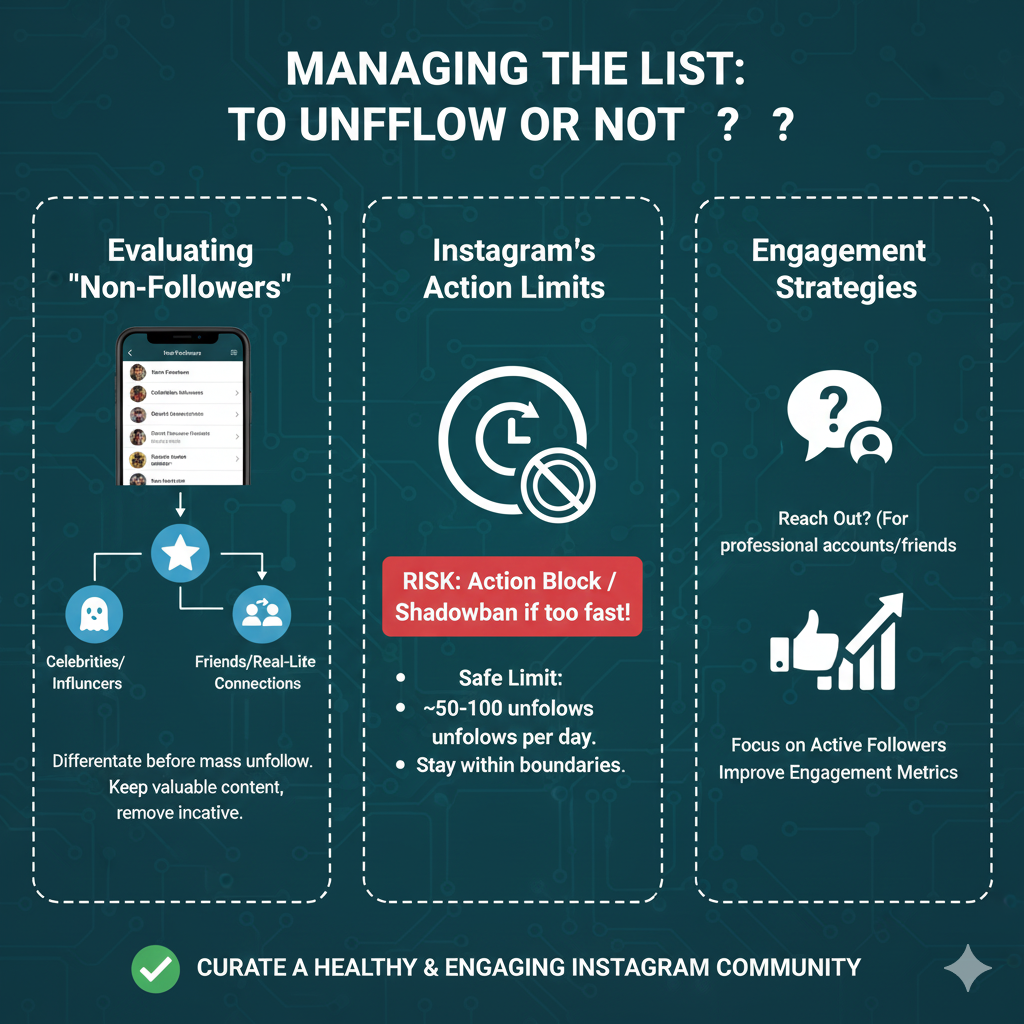
Managing Your List: To Unfollow or Not?
Evaluating “Non-Followers”
Once you have identified your non-followers, the next step is deciding how to manage them within your Instagram account. It is important to differentiate between different types of accounts before you start a mass unfollow. For instance, you might follow accounts belonging to celebrities or influencers who never intended to follow back; these are usually fine to keep if you enjoy their quality content. On the other hand, you may find ghost followers or inactive accounts that offer no value to your engagement metrics. Distinguishing between a brand, a celebrity, and a real-life friend who accidentally dropped from your followers list is a vital part of maintaining a healthy Instagram profile.
Instagram’s Action Limits
When you decide to unfollow people, you must be aware of Instagram’s strict daily and hourly limits. If you try to unfollow users too quickly, the platform may flag your Instagram activity as bot-like behavior. This can lead to action blocks or even a shadowban, which limits the reach of your user-generated content. To stay safe, limit yourself to unfollowing approximately 50–100 accounts per day. Staying within these boundaries ensures your personal account remains in good standing while you clean up your following list.
Engagement Strategies
Should you reach out before you hit unfollow? For professional accounts or a Marketing Consultant, it might be worth sending a quick reply to an old contact to see if they are still active. However, for a generic fake account or Instagram Unfollowers you don’t know personally, it is usually better to just move on. Your goal is to curate a list of people who actually interact with your posts. By focusing on your current followers, you improve the overall health of your Instagram Following.
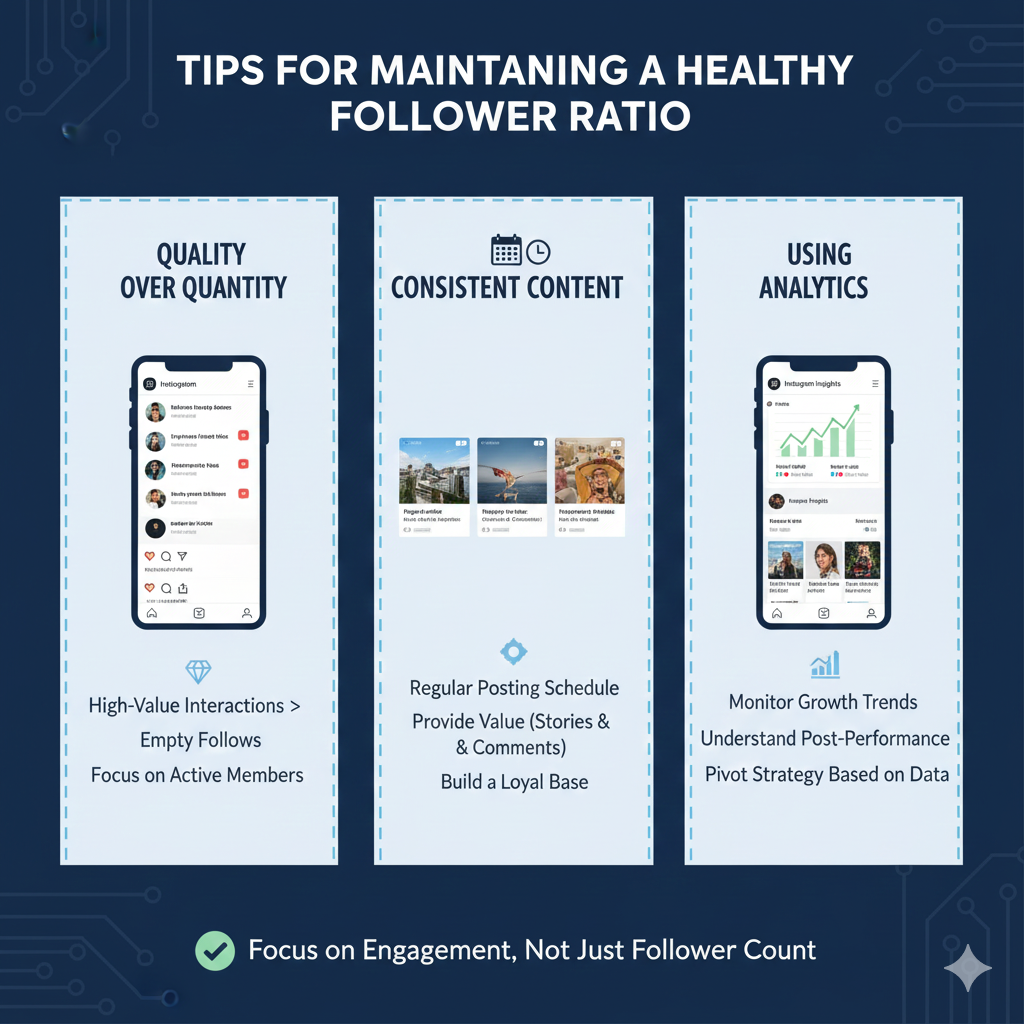
Tips for Maintaining a Healthy Follower Ratio
Quality over Quantity
In the sphere of content creation, focusing on high-value interactions is far better than chasing a high number of Instagram users. “Empty follows” or having many non-followers who don’t interact with your posts can actually damage your visibility. Instagram’s algorithm favors accounts with high engagement rates, so keeping your community filled with active members who appreciate your quality content is essential.
Consistent Content
The best way to keep people from hitting that unfollow button is consistency. By maintaining a regular posting schedule and providing value, you reduce the chances of appearing in someone’s follower list as an inactive or irrelevant account. Engaging with your audience in real-time through stories and comments builds a loyal base that is less likely to leave.
Using Analytics
Utilize the built-in Instagram Insights to monitor your growth trends. While it won’t give you a direct followers list of those who left, it helps you understand which posts are driving new followers and which might be causing people to leave. Tracking these patterns allows you to pivot your strategy and keep your audience engaged.
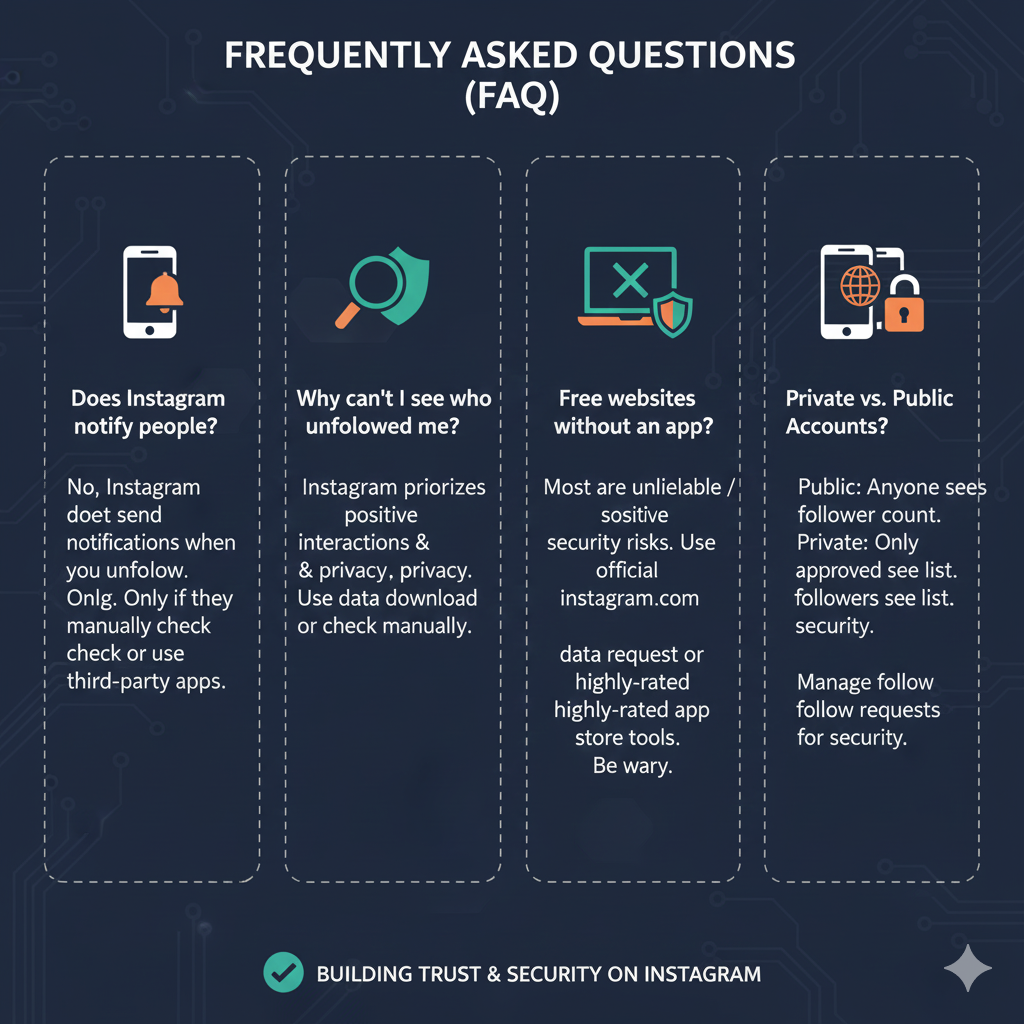
Frequently Asked Questions (FAQ)
Does Instagram notify people when I unfollow them?
No, Instagram does not send notifications when you unfollow someone. They would only notice if they manually checked their own list or used third-party apps to track Instagram Unfollowers.
Why can’t I see who unfollowed me directly in the app?
Instagram prioritizes positive social interactions and privacy. Providing a direct list of people who unfollowed could lead to harassment. To see this information, you generally have to use a data download or check a username manually.
Are there any free websites to check this without downloading an app?
Most websites that claim to do this are unreliable or pose a security risk. It is safer to use the official instagram.com data request method or highly-rated tools from the app store. Be wary of sites that don’t have clear bug fixes or updated security protocols.
How do private vs public accounts differ in this process?
For public accounts, anyone can see the follower count, but for private accounts, you can only see the list if you are an approved follower. Managing follow requests is also a key part of keeping your private community secure.
Conclusion
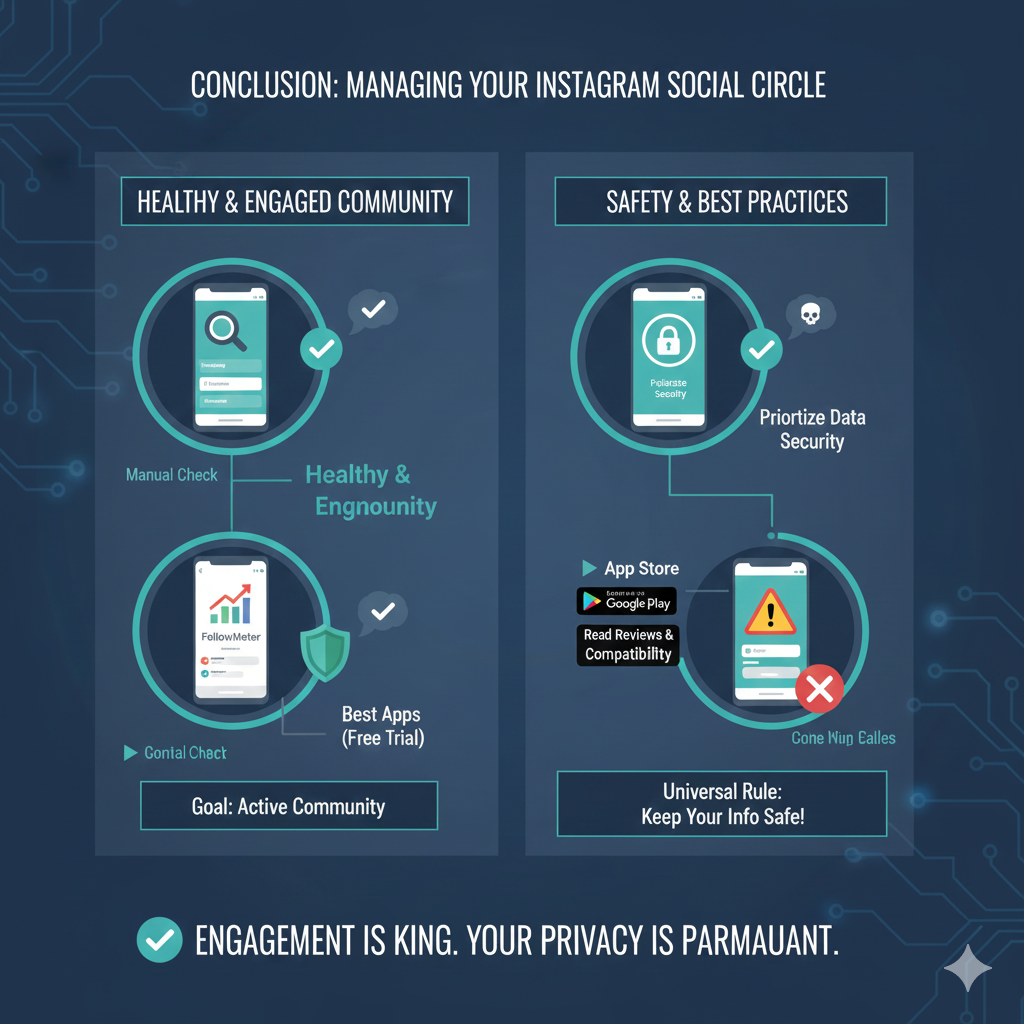
Managing your social circle on Instagram doesn’t have to be a headache. Whether you choose a manual check for a few names or use best apps like FollowMeter to handle a larger audience, the goal remains the same: a healthy, engaged community. Many of these tools offer a free trial so you can test their features before committing to any App Purchases.
Remember that while apps can be fast, the security of your data is paramount. Always check the iOS 13.0 or Android compatibility and read reviews before giving any tool access to your profile. If you also manage a TikTok account, you’ll know that every platform has its quirks, but keeping your information safe is a universal rule.